App Features
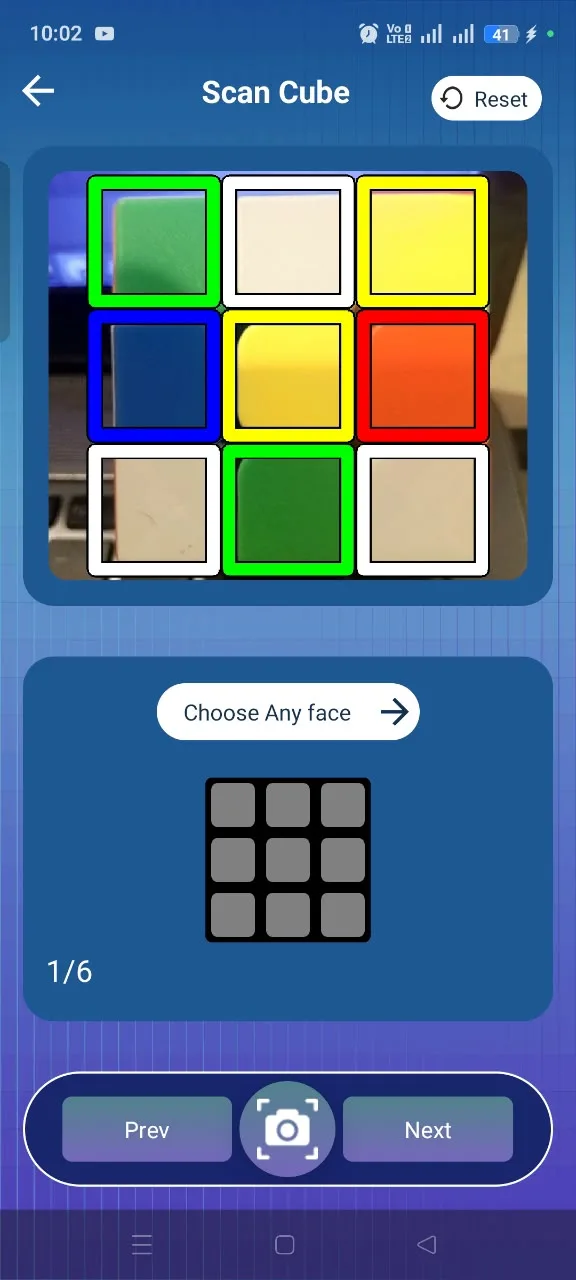
Camera Scanner
Scan each side of your cube with your phone camera.
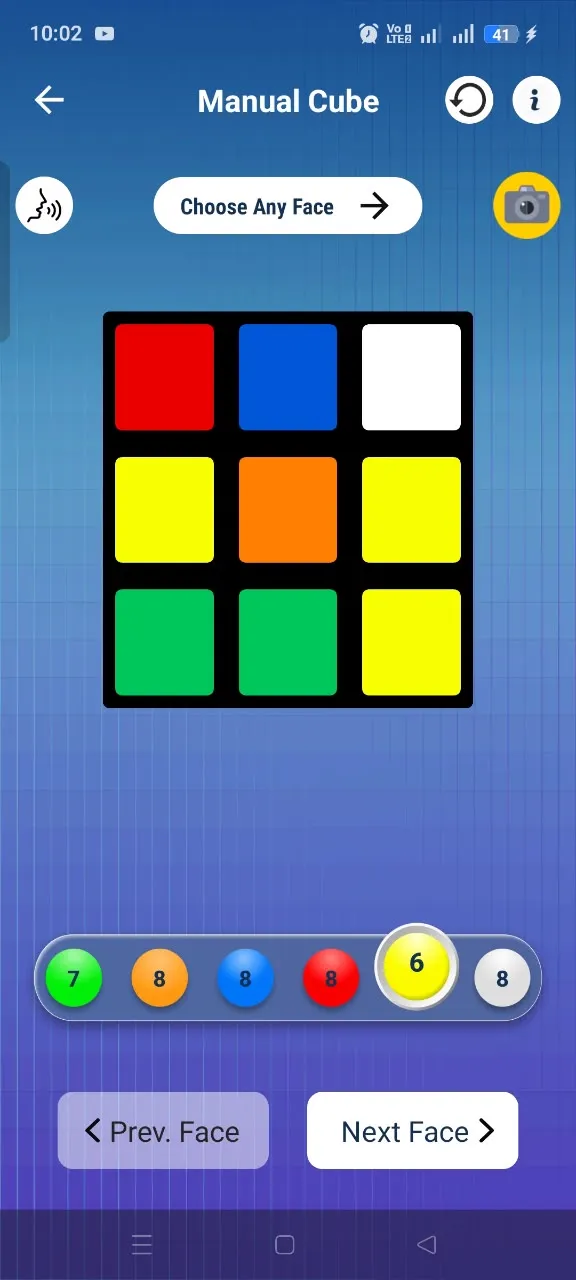
Manual Input
Enter cube colors yourself when scanning is not convenient.
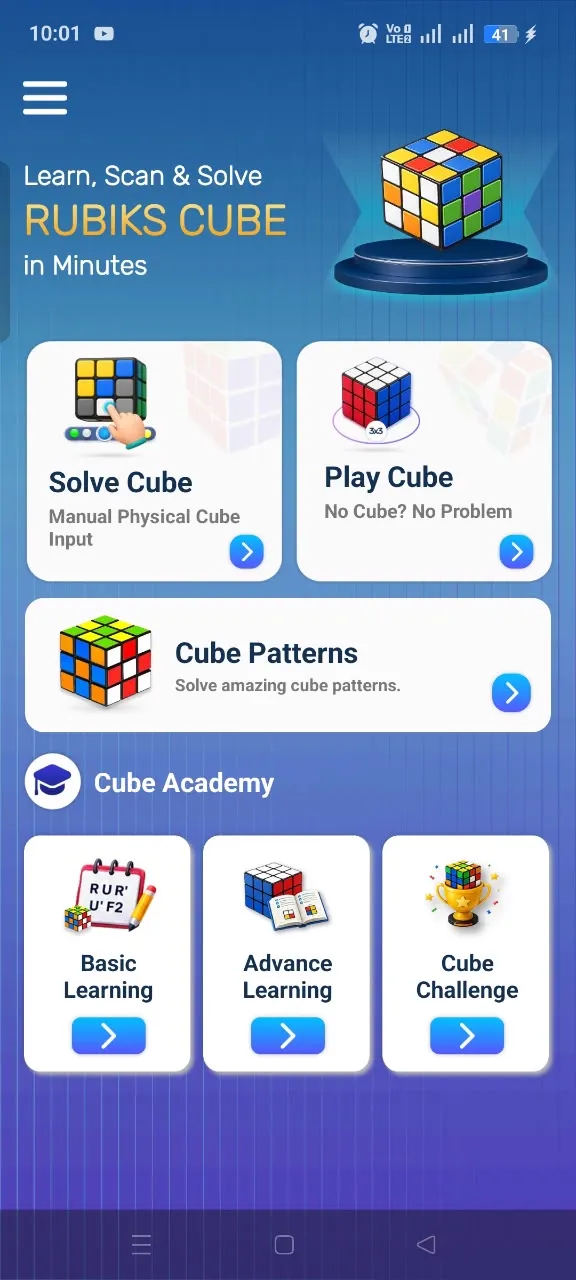
Virtual Cube
Practice moves and rotations with an interactive cube.
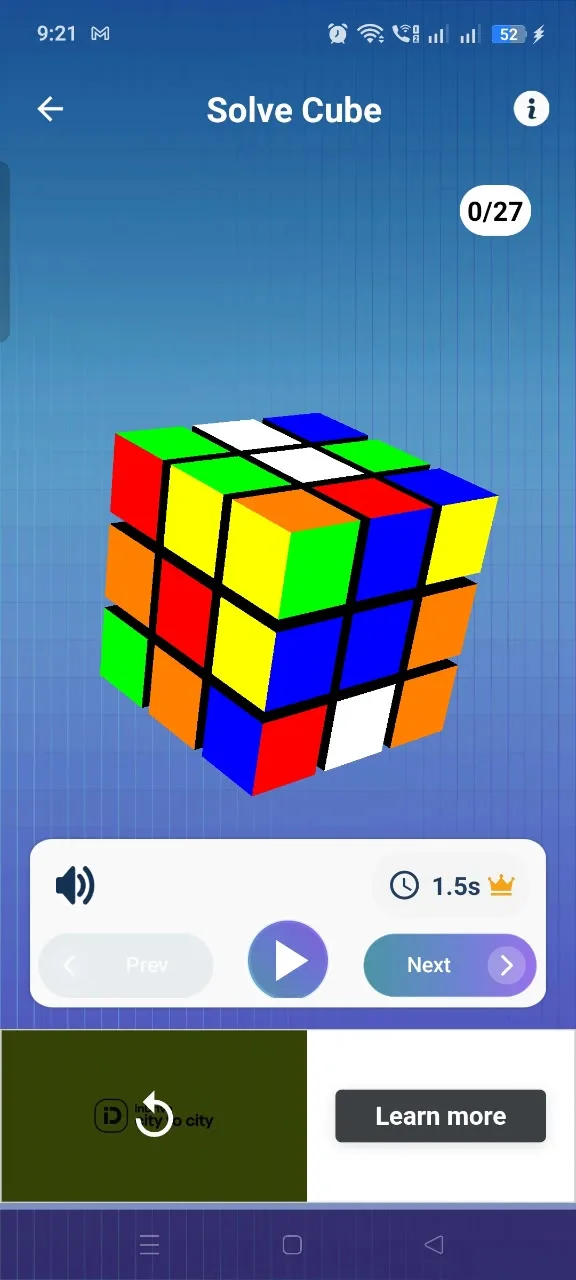
Step-by-Step Solver
Get a clear solution and follow each move in order.
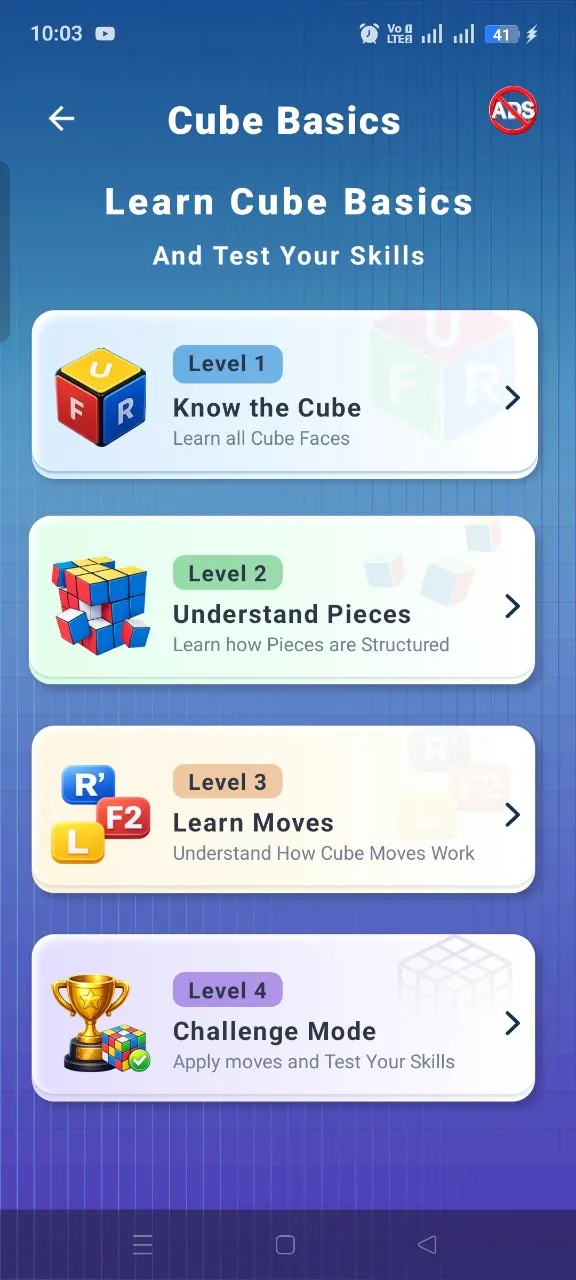
Learn & Improve
Understand cube basics and build confidence as you practice.
Multiple Cube Sizes
Work with 2×2, 3×3 and 4×4 cube configurations.
Works Offline
Use the core solving experience without an internet connection.
Clean & Simple UI
A focused experience that keeps the next move easy to follow.