What camera-based cube scanning means
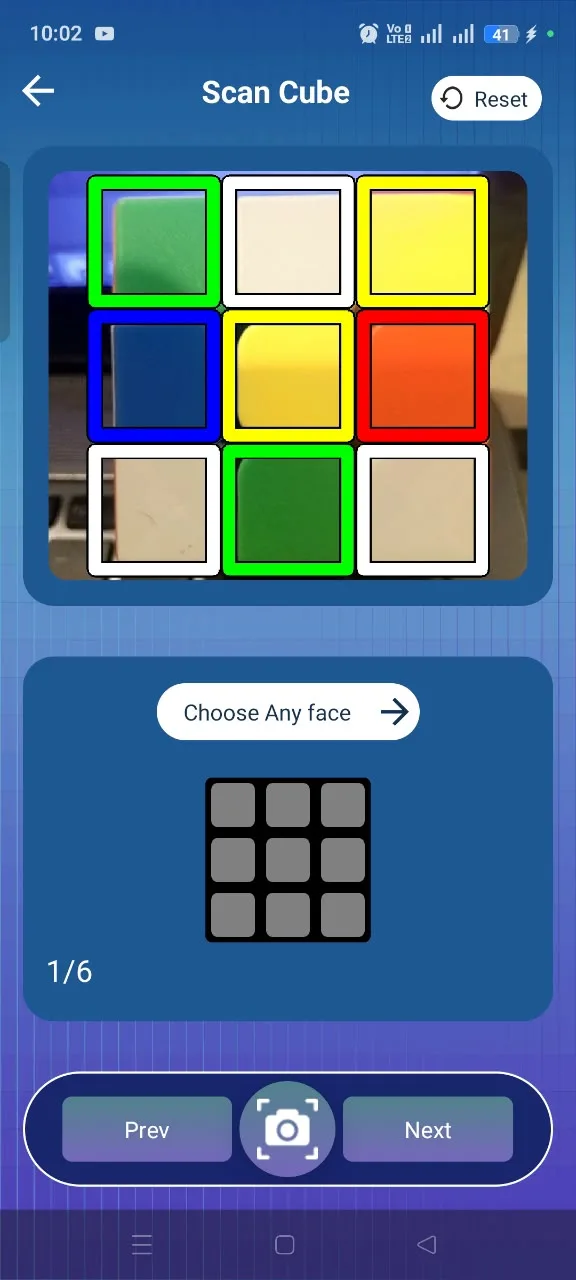
With the Camera Scanner you hold each face of your cube inside the on-screen frame and the app reads the colours from the camera. You work through the faces one at a time, and the scanned colours are assembled into the cube configuration the solver uses.
- Scan the cube face by face inside the scanner frame
- Scanned colours build the cube configuration automatically
- No notation or solving knowledge needed to start
What manual cube input means
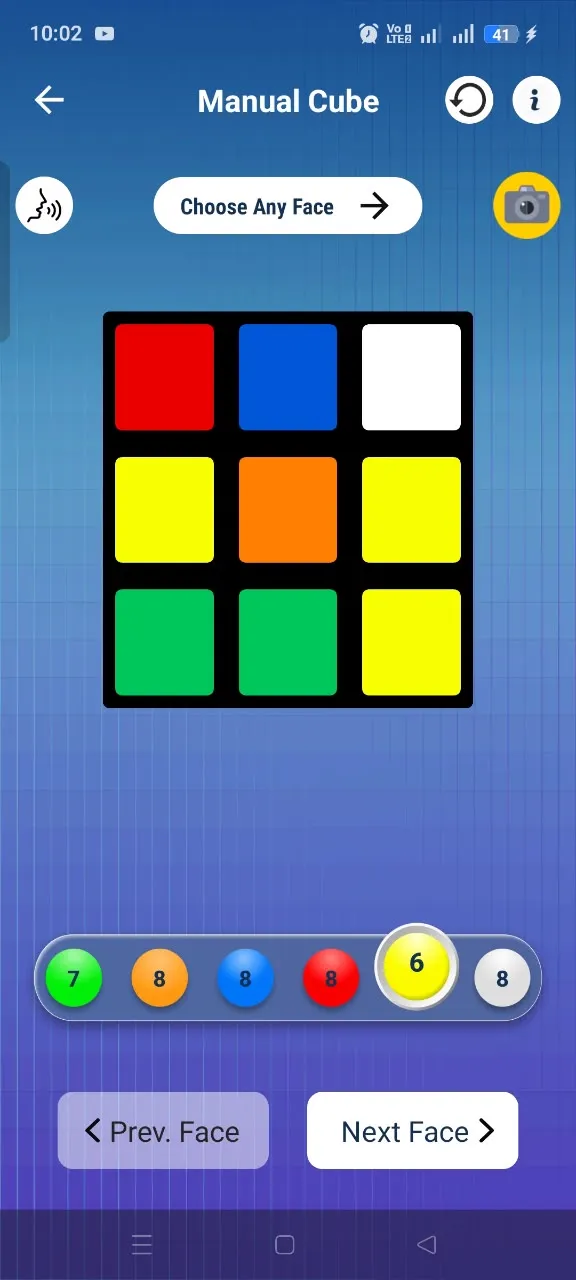
Manual Input gives you a colour palette and a face grid. You pick a colour, tap the squares that match your cube, then move to the next face until all six are entered. You can move back and forth between faces to correct anything.
- Tap-to-fill colour grid for every face
- Move freely between faces to fix mistakes
- Leads into the same step-by-step solution as scanning
When each approach is convenient
| Situation | Better fit |
|---|---|
| Bright, even lighting | Camera Scanner |
| Dim light, glare or shadows | Manual Input |
| Standard, clearly coloured stickers | Camera Scanner |
| Faded, worn or non-standard colours | Manual Input |
| You want the fastest entry | Camera Scanner |
| You want full control over every square | Manual Input |
Why accurate cube colours matter
A solver can only solve the cube you describe to it. If a single square is entered as the wrong colour, the configuration either becomes invalid or describes a different cube than the one in your hands — and the moves will not lead to a solved cube.
That is why it is worth a quick check of each face before generating the solution. In Rubik's Cube Solver you can review the entered cube and correct any face before solving.
How Rubik's Cube Solver provides both
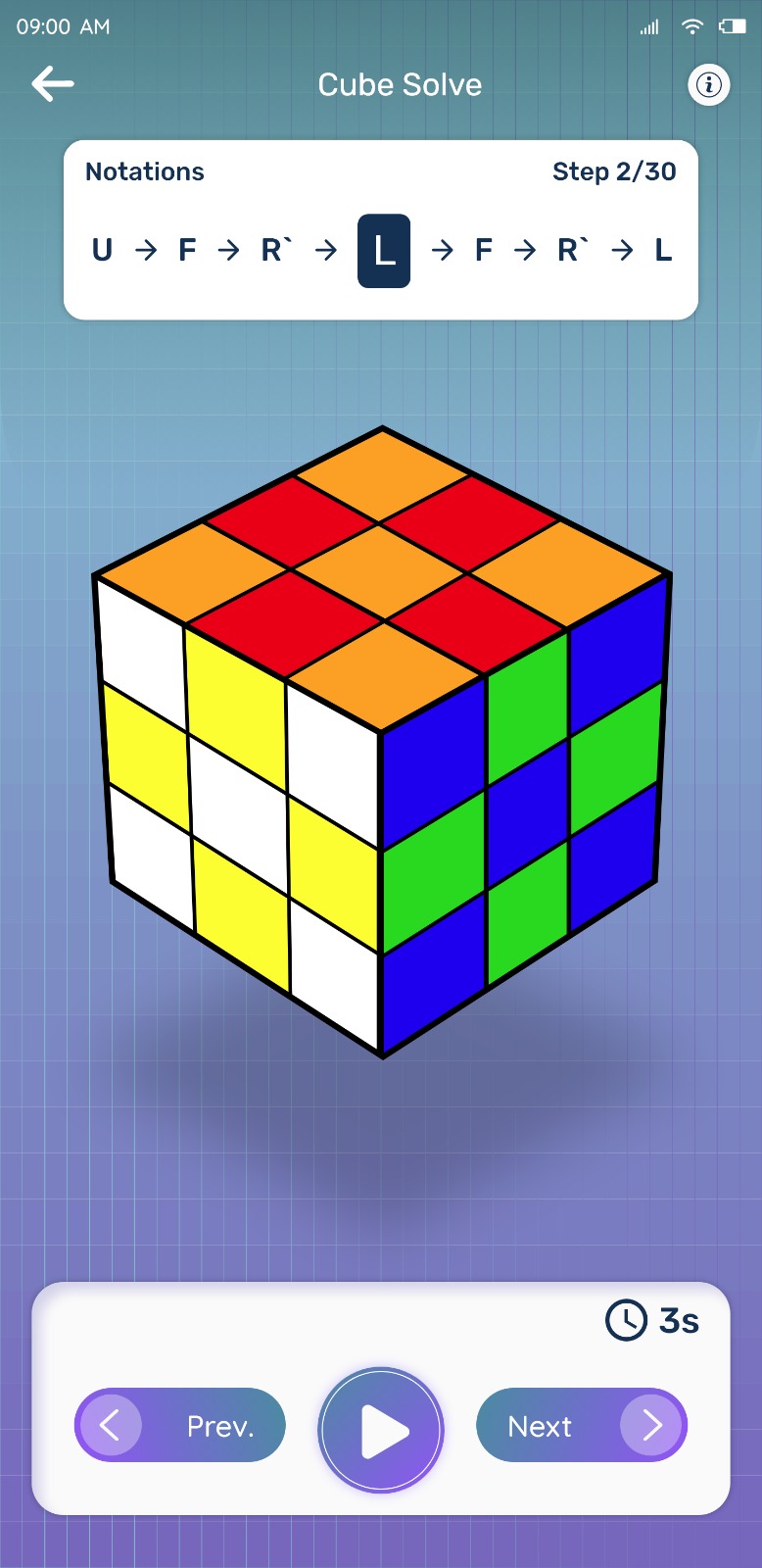
You are not locked into one method. Start with the Camera Scanner for speed, and if a face is misread, switch to Manual Input and fix it. Either way the cube feeds into the same Step-by-Step Solver, which shows the move sequence one move at a time.
Try Rubik's Cube Solver
Scan your cube and get step-by-step solving instructions in seconds. Available for Android on Google Play.