What makes a 4×4 different?
- Sixteen squares per face instead of nine
- Centre pieces are made of four movable squares, not one fixed piece
- Edges come in pairs that need to be matched
- Inner layers can be turned as well as outer ones
Why a 4×4 can be more difficult
Because the centres move, you cannot rely on them to tell you which colour a face should be. There are also many more pieces to track, so a scramble looks far more chaotic — and entering the cube accurately takes more care than on a 3×3.
How the application supports 4×4 cubes
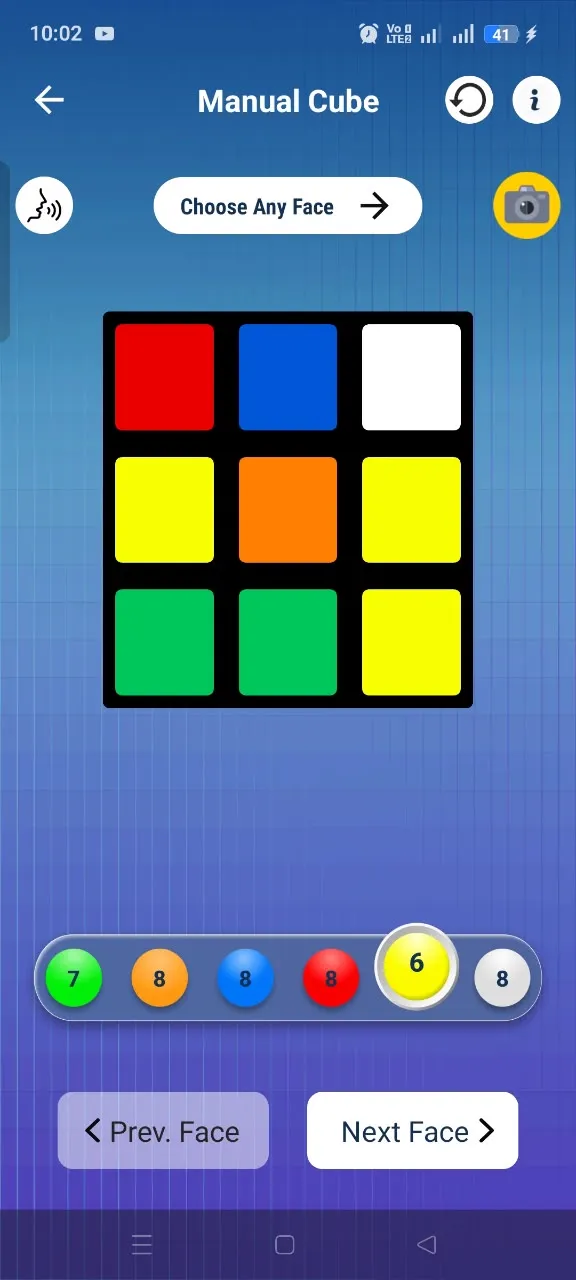
Rubik's Cube Solver works with 2×2, 3×3 and 4×4 cube configurations. Choose the 4×4 size before entering the cube so the grid matches your cube, then use the Camera Scanner or Manual Input as usual. Supported sizes and modes are also listed on the Google Play page.

Entering a 4×4 accurately
- Take the faces in a consistent order and do not rotate the cube mid-entry
- Use even lighting if you are scanning
- Review each face before continuing — a 4×4 has 96 squares
- Switch to Manual Input to correct any misread square
Following the solution
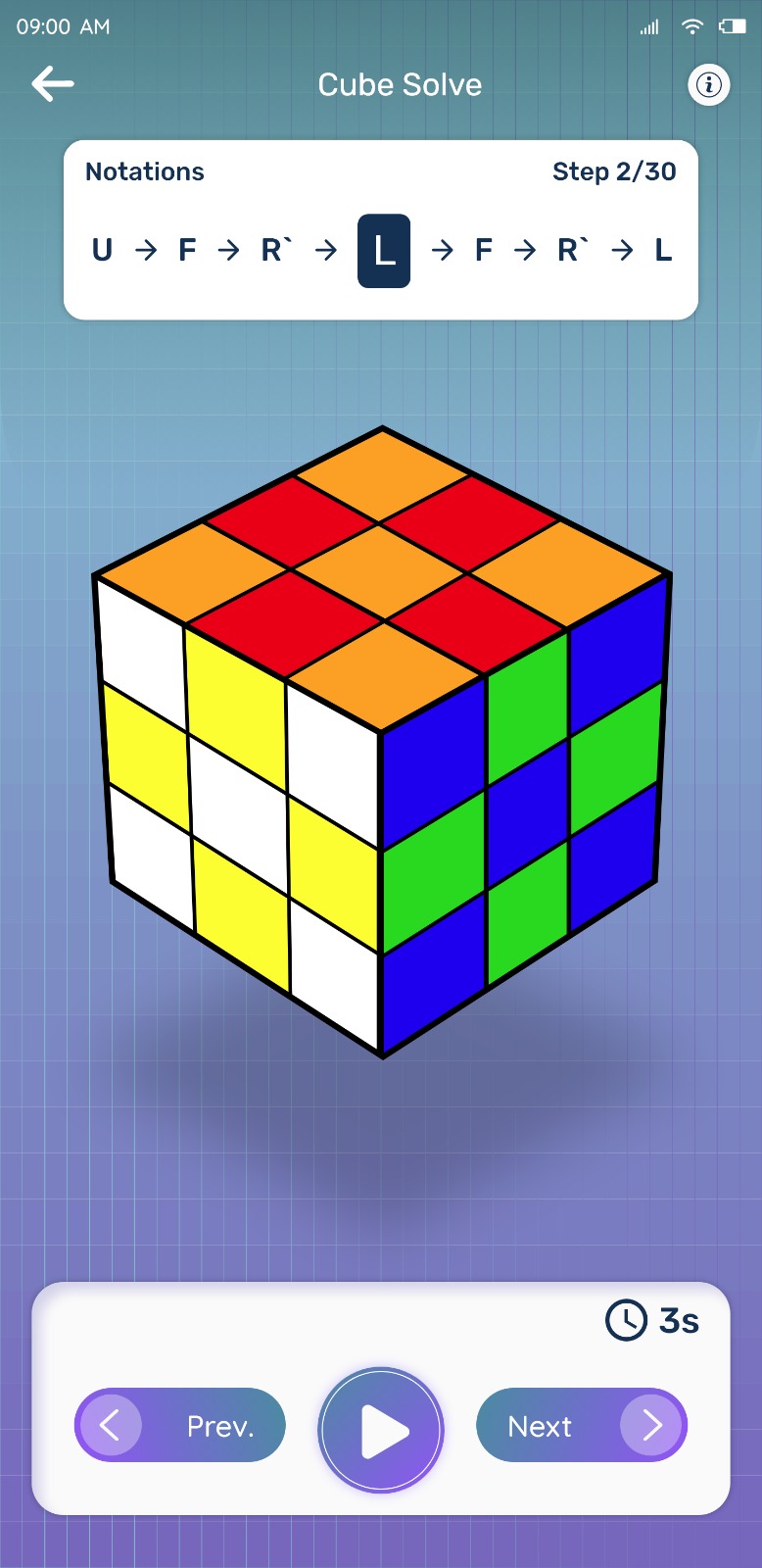
As with the other sizes, the moves are presented in order so you can apply one turn, check the cube, and continue. Going slowly matters more on a 4×4, because a single mistaken turn is harder to spot.
Try Rubik's Cube Solver
Scan your cube and get step-by-step solving instructions in seconds. Available for Android on Google Play.