1. Identify your cube
Start by checking what you are holding. A 2×2 has four squares per face, a 3×3 has nine, a 4×4 has sixteen. Rubik's Cube Solver works with 2×2, 3×3 and 4×4 cube configurations, so select the size that matches before you enter anything.
2. Enter or scan the cube
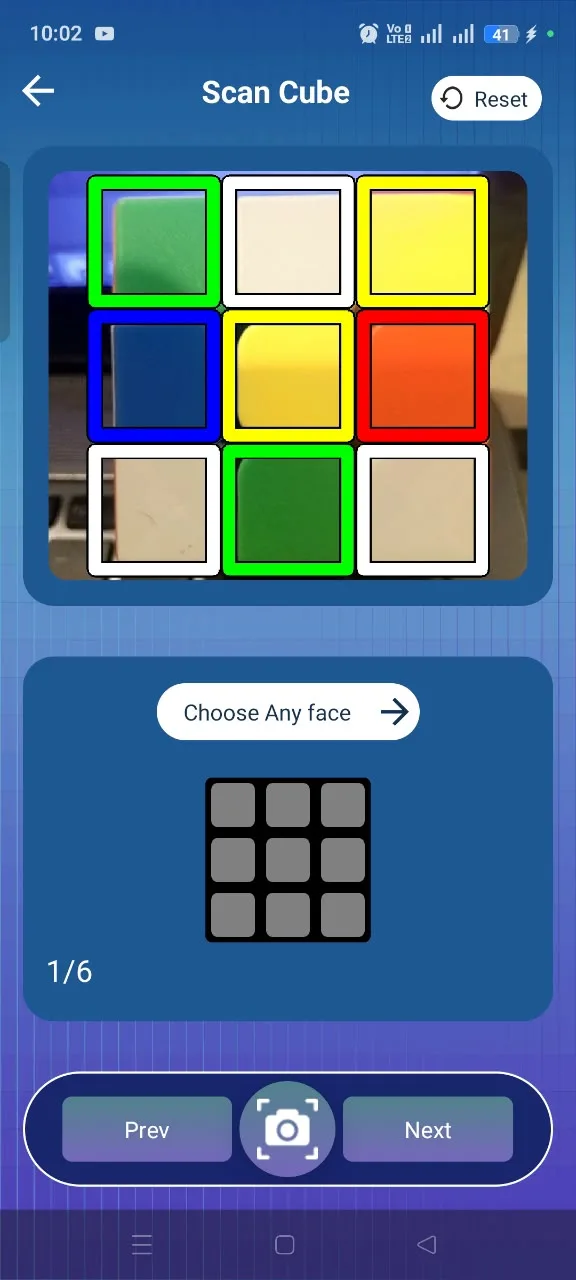
The solver needs to know exactly how your cube looks right now. Use the Camera Scanner to read each face through your phone camera, or use Manual Input to tap the colours onto the on-screen grid. Both routes build the same cube configuration.
- Work through the faces one at a time
- Keep the cube in the same orientation while entering it
- Check the detected colours before continuing
3. Get the solution
Once all faces are entered, the app checks that the cube is valid and produces a sequence of standard cube moves leading to a solved state. If a face was entered incorrectly you can go back and fix it before solving.
4. Follow the moves
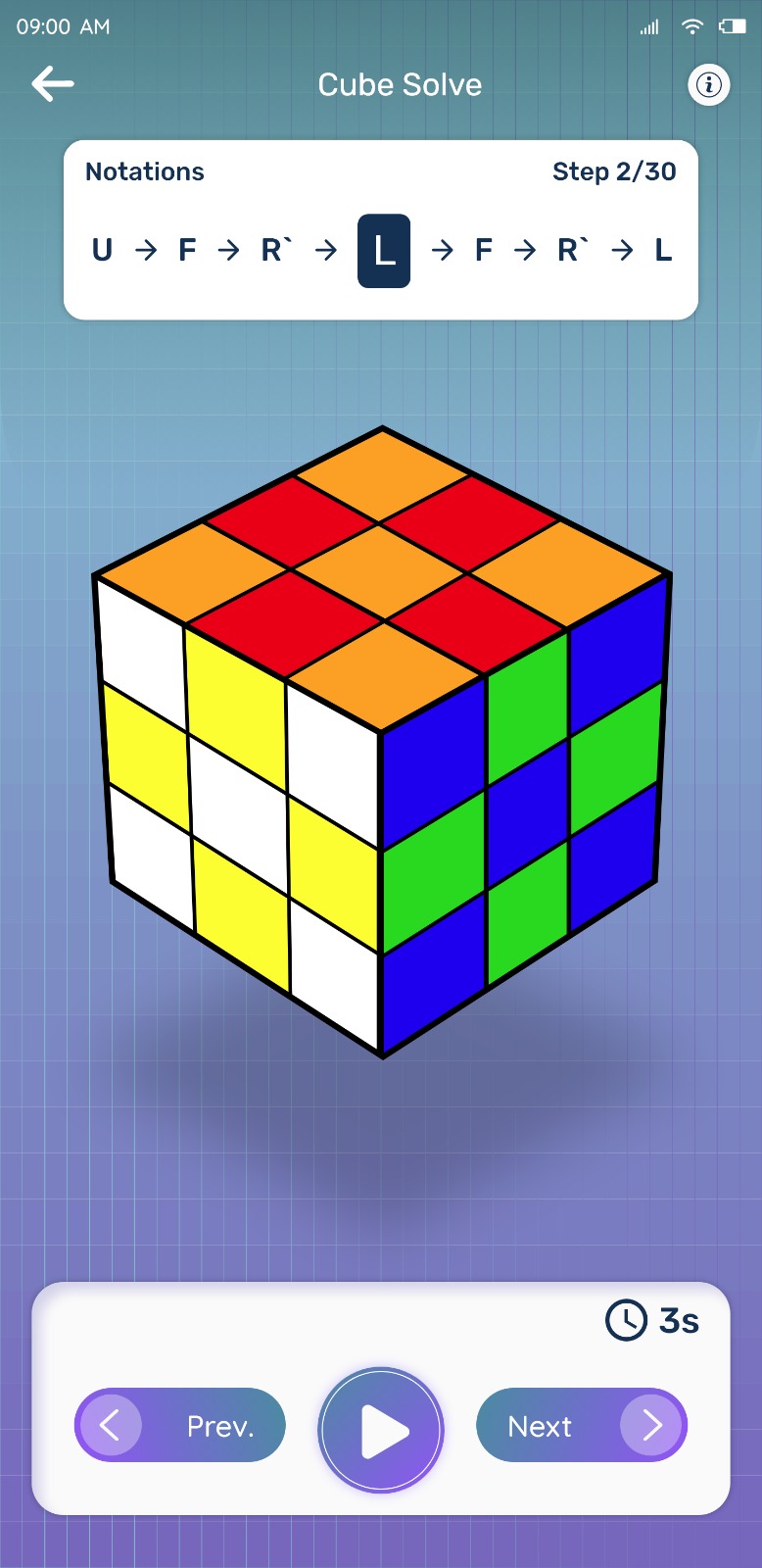
Moves are shown in order, one at a time. Apply the current move to your cube, confirm it matches the screen, then continue. If you lose your place you can step back through the sequence.
5. Complete the solve
After the final move the cube is solved. From there you can scramble it again and repeat the solve to build muscle memory, or use the learning section to understand what each stage of the solution was doing.
Common reasons a solve goes wrong
- A square was entered as the wrong colour — re-check the faces
- The cube was rotated mid-entry, so faces do not line up
- A move was applied in the wrong direction — step back one move and retry
- A physical cube has been taken apart and reassembled into an unsolvable state
Try Rubik's Cube Solver
Scan your cube and get step-by-step solving instructions in seconds. Available for Android on Google Play.