
Using a mobile application
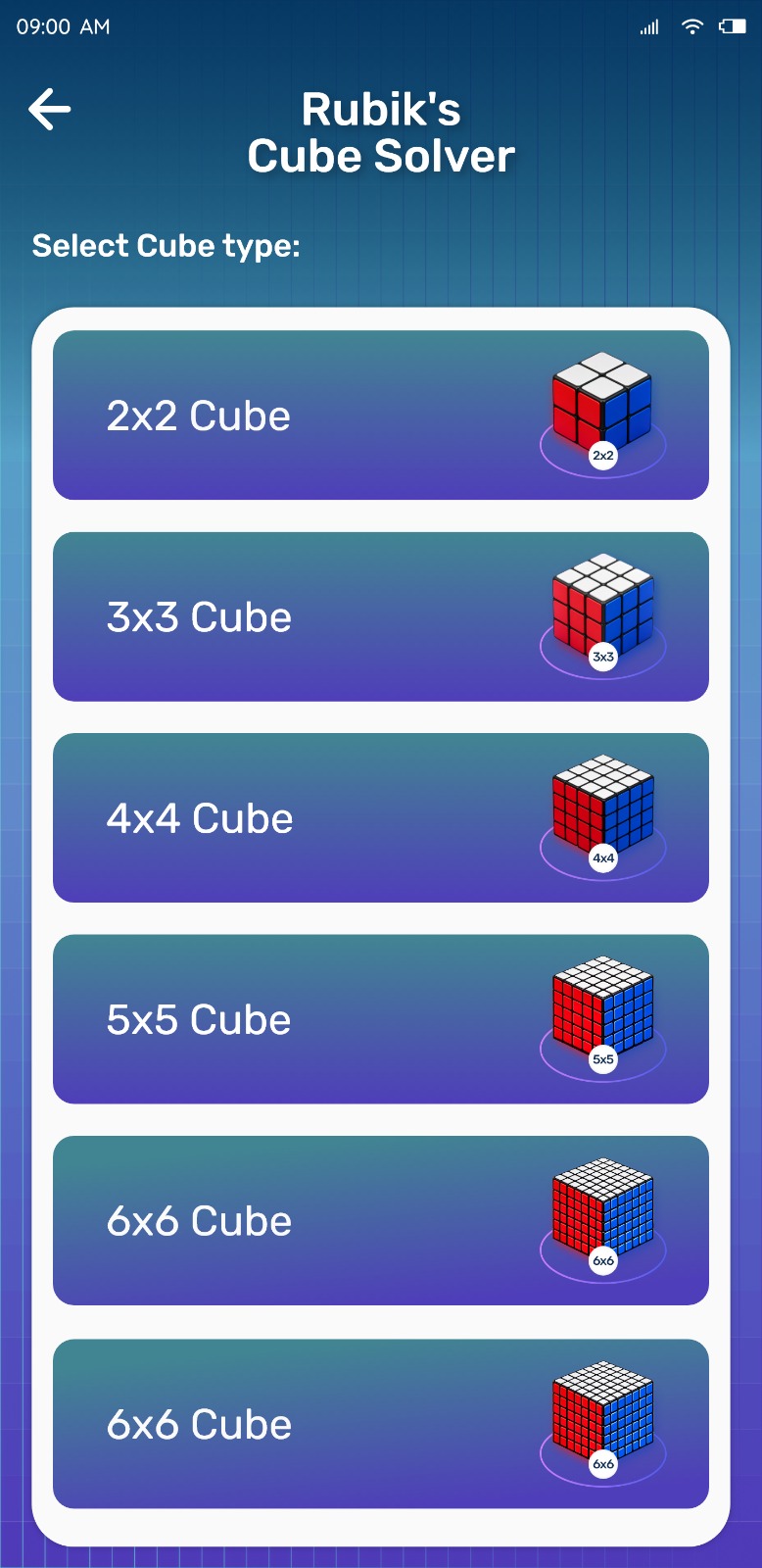
A phone is already in the same place as your cube. With Rubik's Cube Solver you can scan the faces, review the configuration, and then step through the moves while holding the cube — no switching between a screen on a desk and the cube in your hands.
- Camera Scanner for face-by-face entry
- Manual Input as a fallback or a preference
- Step-by-Step Solver you can hold beside the cube
- Virtual Cube for practising turns
Using a browser-based solver
Browser solvers need no installation, which is convenient if you only want to solve one cube on a computer. Colour entry is normally manual, and you generally need an active connection to load the page.
Practical differences
| Mobile app | Online solver | |
|---|---|---|
| Camera input | Available in Rubik's Cube Solver | Usually not available |
| Manual input | Yes | Yes |
| Installation | Install once from Google Play | None |
| Offline use | Core solving works offline | Typically needs a connection |
| Guided solving | Moves shown one at a time | Varies by site |
| Practice tools | Virtual Cube included | Varies by site |
Offline availability
The core solving experience in Rubik's Cube Solver is available without an internet connection, which is useful while travelling or when signal is weak. Exact connectivity requirements are described on the app's Google Play listing.
Guided solving and practice
Reading a long list of moves off a page is harder than following one move at a time. The Step-by-Step Solver highlights the current move and lets you go back if you lose your place, and the Virtual Cube lets you rehearse a turn on screen before applying it.
When a dedicated app can be useful
- You solve cubes regularly rather than once
- You want to scan instead of typing colours
- You want the solution beside the cube, not on a desktop screen
- You want to keep solving where connectivity is unreliable
Try Rubik's Cube Solver
Scan your cube and get step-by-step solving instructions in seconds. Available for Android on Google Play.