
Cube selection
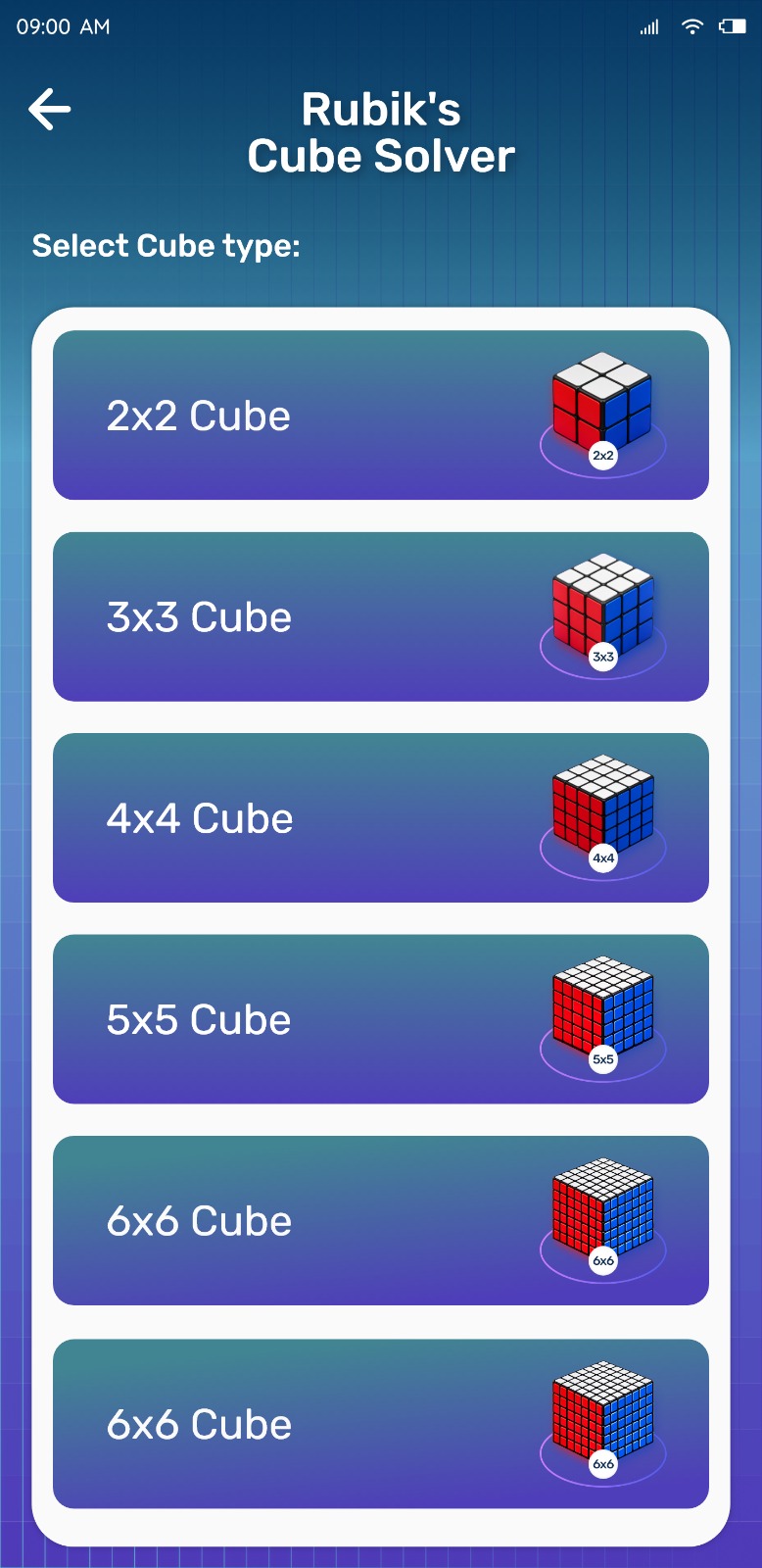
Start by telling the app which cube you have. Rubik's Cube Solver works with 2×2, 3×3 and 4×4 configurations, and the entry grid changes to match the size you pick.

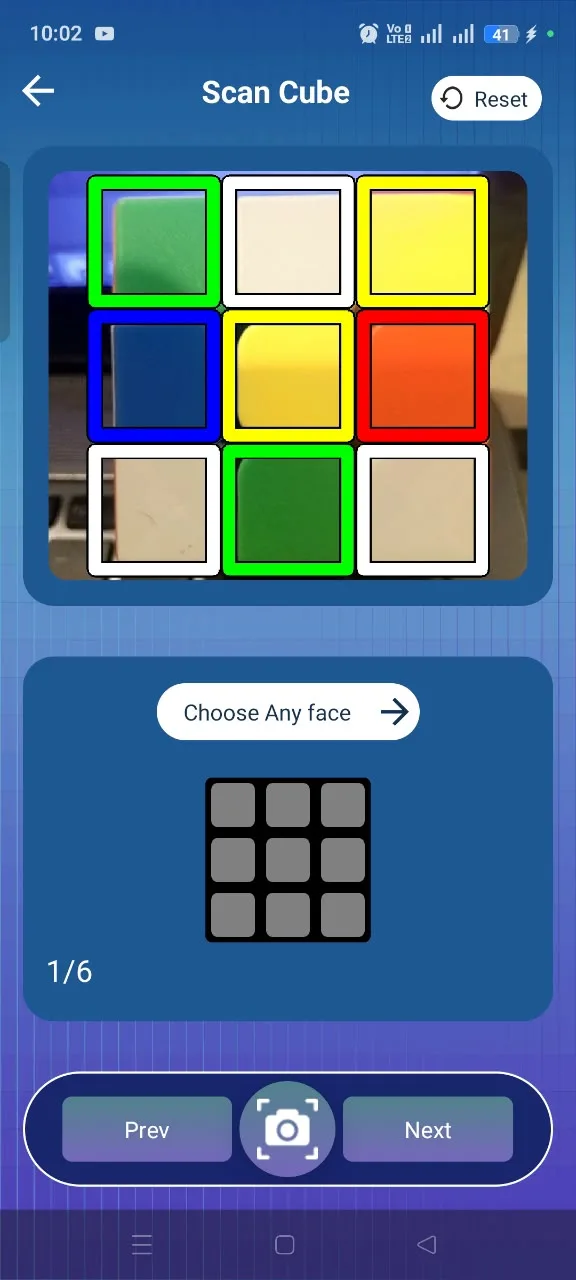
Camera Scanner
The quickest way to enter a cube is to scan it. Hold each face inside the frame and the app reads the colours, building the configuration face by face.
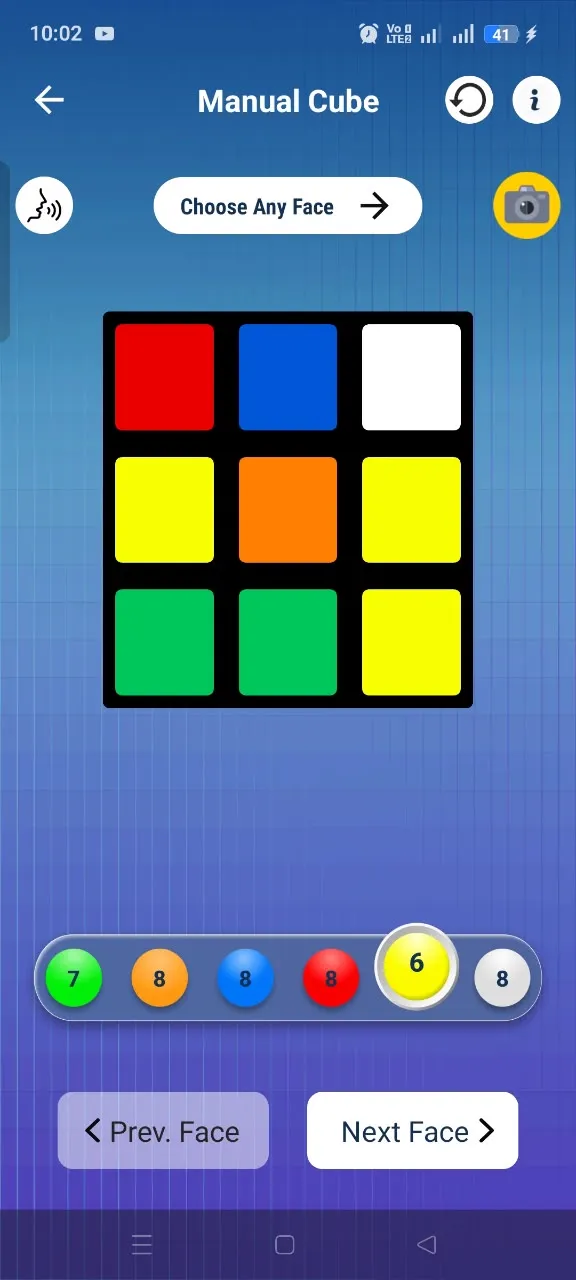
Manual Input
If scanning is awkward, fill the cube in by hand: pick a colour, tap the matching squares, then move to the next face. You can jump between faces to correct anything before solving.
Solution generation
Once the cube is entered, the app checks it is valid and produces a sequence of standard moves that ends in a solved cube.
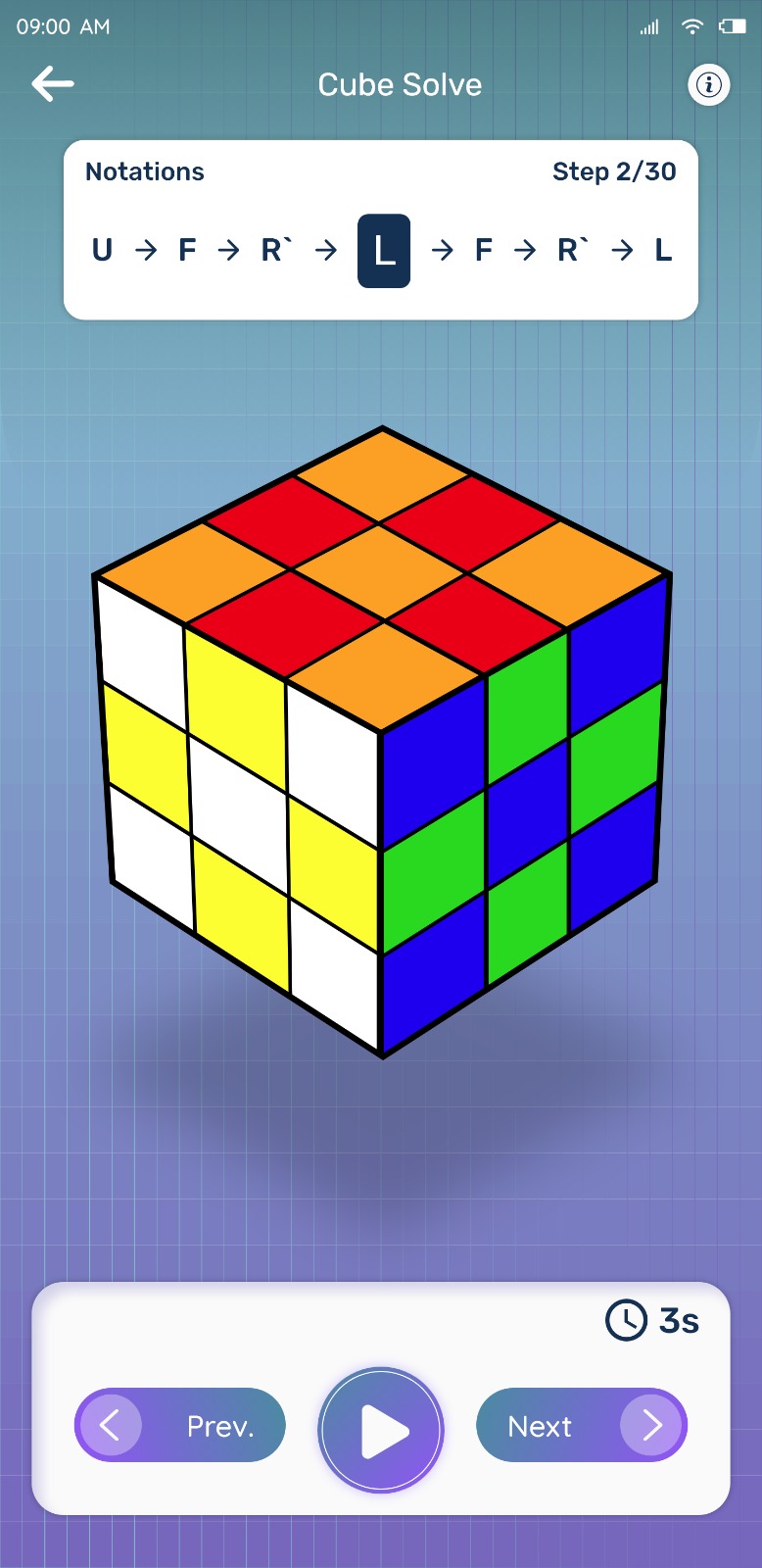
Step-by-step moves
The solution is presented one move at a time with controls to move forward and back, so you always know which turn is next.
Virtual Cube and practice
The Virtual Cube lets you turn faces and rotate the cube on screen. Use it to try a move before applying it, or to practise when your physical cube is not with you.
A typical first session
- Open the app and pick your cube size
- Scan the six faces, checking each one as you go
- Correct anything that looks wrong with Manual Input
- Generate the solution and follow the moves at your own pace
- Scramble and repeat — the second solve is always easier
Try Rubik's Cube Solver
Scan your cube and get step-by-step solving instructions in seconds. Available for Android on Google Play.